Three skins, one shell
Switch eras, live
Bevel 1999 Industrial by default, glossy Bevel 2001 Blue, and a Flat preview — swapped at runtime by two recolor engines, no restart.
A contemporary desktop shell recreating the iconic visual language of late-1990s and early-2000s desktop environments — every gradient, bevel and icon redrawn as crisp vectors, then wired to real windows, files and the tray.
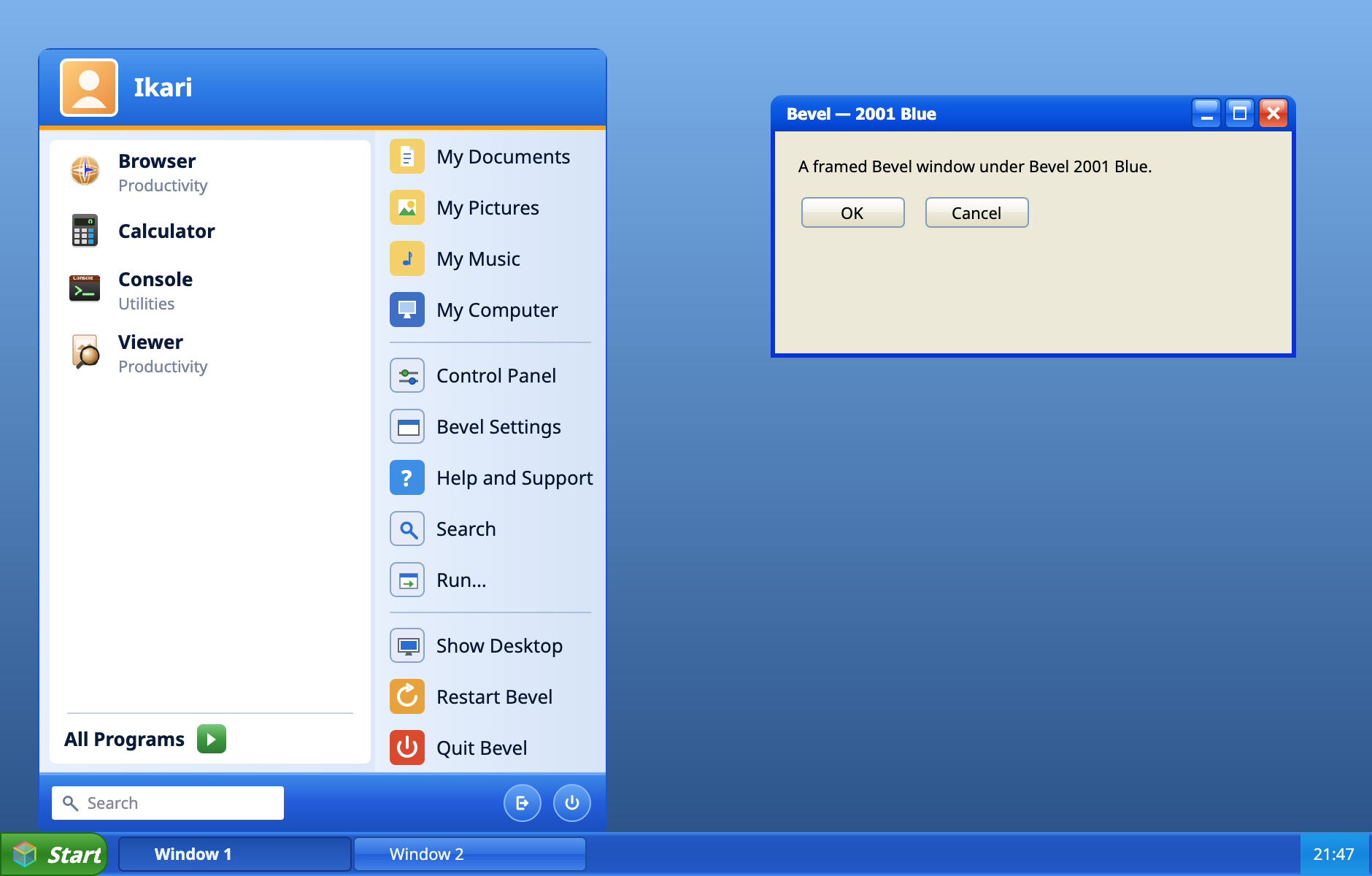
Bevel replaces the desktop, taskbar and file manager — each part built for real, and skinnable end to end.
Bevel 1999 Industrial by default, glossy Bevel 2001 Blue, and a Flat preview — swapped at runtime by two recolor engines, no restart.
Folder Options, show-hidden, extension handling, view styles and four functional sidebar eras — a working file manager, not a screenshot. Pin a folder to the taskbar and it opens as a grid of real content previews.
A Start menu you can type into, per-window task buttons with unread badges, and a system tray that mirrors the host extras — menu-bar items on macOS, notify icons on Windows — with their real icons. Right-click a browser or terminal button to jump straight to any of its tabs, with their real favicons. Sizes run from compact to large-icon layouts.
Every icon and control is code-drawn geometry bound to theme tokens — antialiased, Retina-crisp, and infinitely scalable.
A multi-process shell: on macOS, sandboxed helpers over gRPC/UDS with AX + ScreenCaptureKit; on Windows, in-process Win32/COM (WinEvent + a dedicated STA worker) selected by --pal=windows.
Drive it from the command line with bevelctl and bevel:// verbs. Every surface is a theme token, so a new skin is a resource dictionary, not a fork.
Every frame here is rendered by the shell itself — captured straight from Bevel, not drawn for the page.
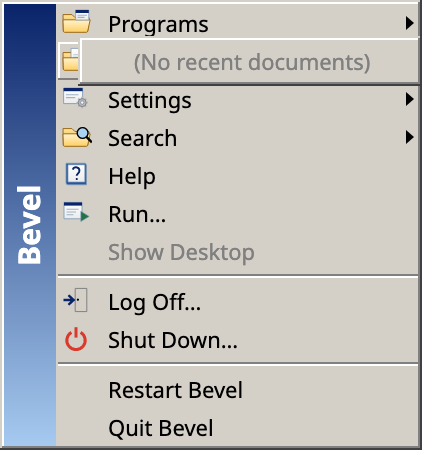
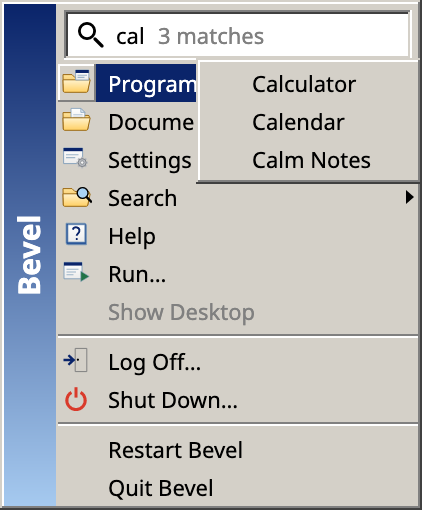
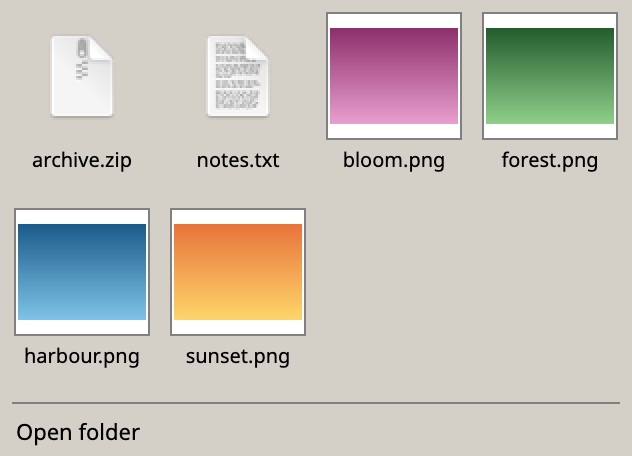
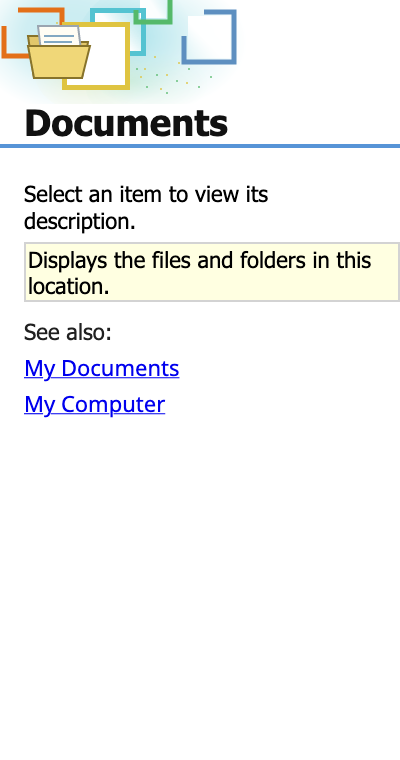
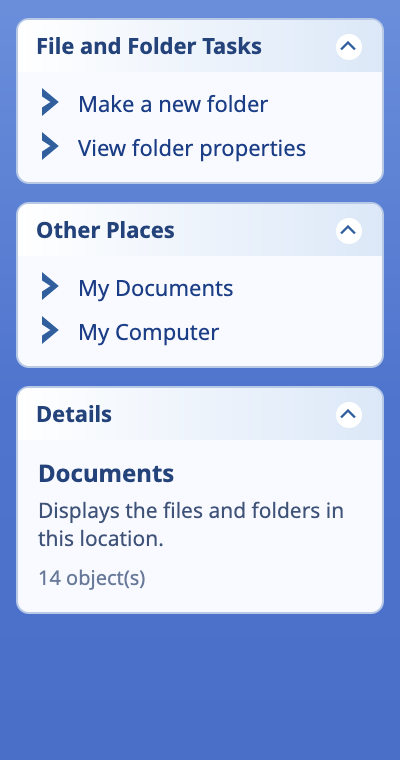
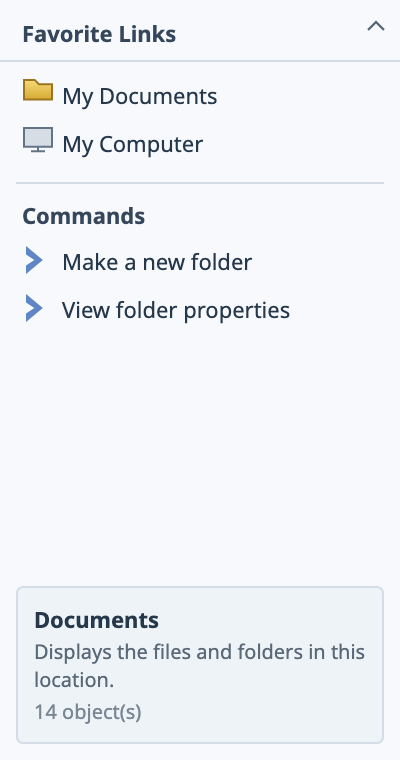
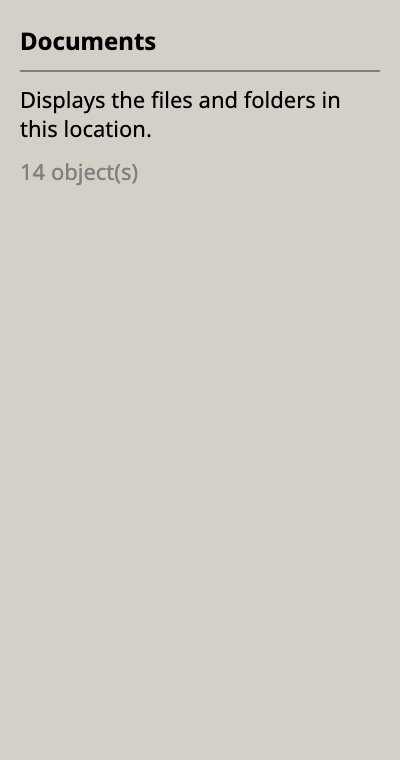
The same shell, four visual worlds — each redrawn at modern fidelity rather than pixel-copied.
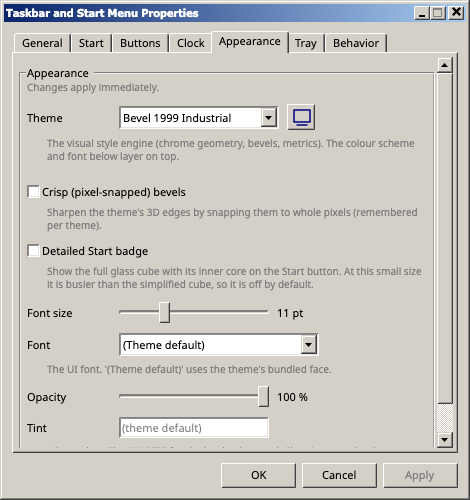
Button-face grey, navy title bars, honest bevels — the baseline every skin is tuned against. A referential nod to the Windows 2000 visual language.
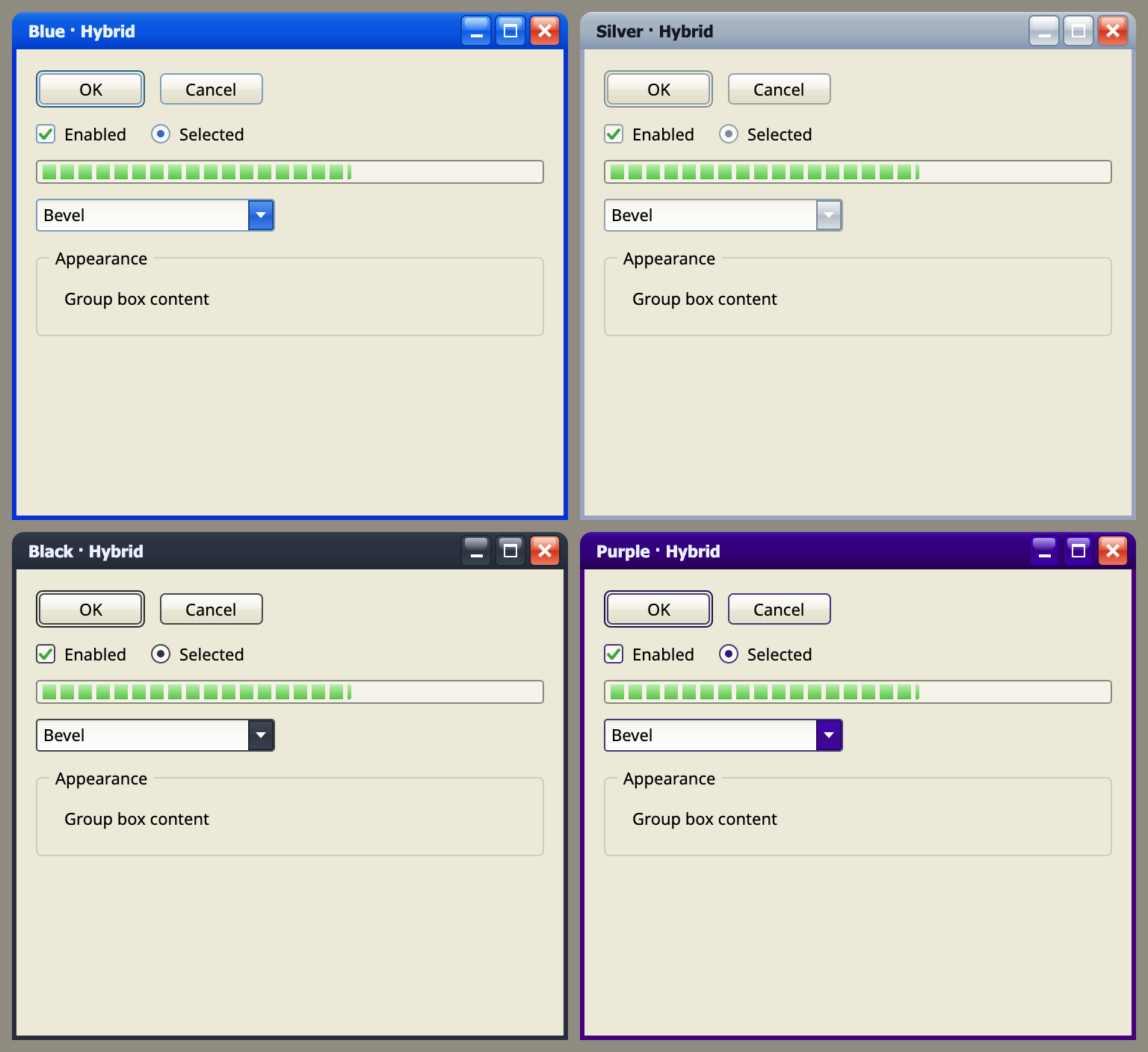
Blue, Silver, Black and Purple — rounded gloss and saturated gradients, generated live by the variant engine. Blue is the default colourway.
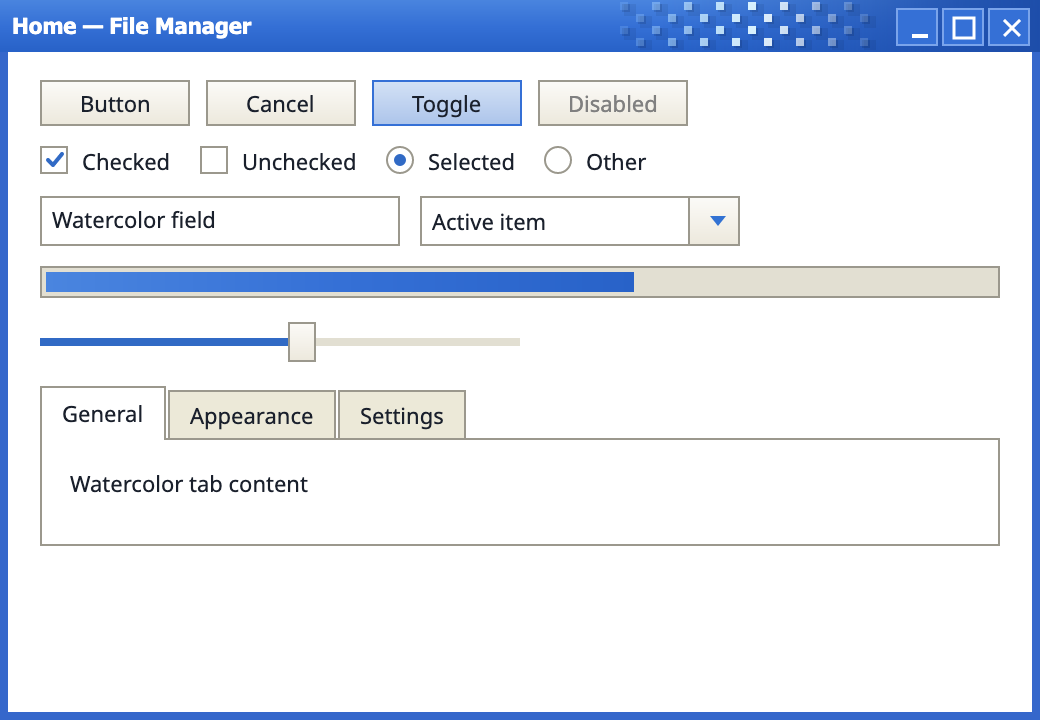
Flattens the classic bevels and tightens shell metrics while retaining the classic control templates.
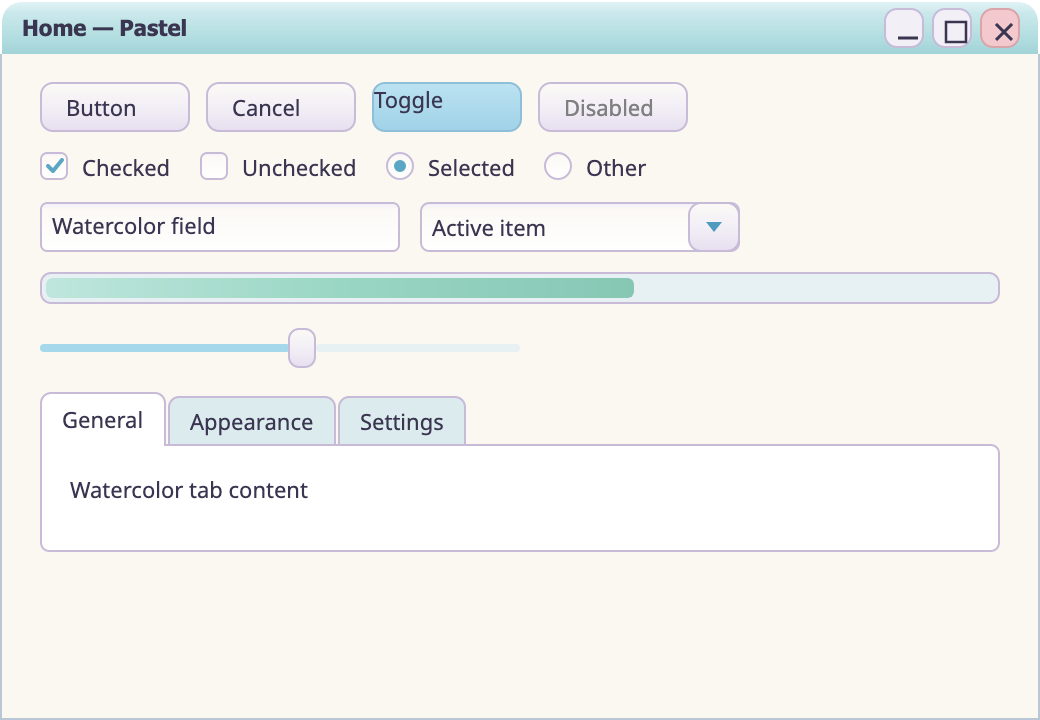
Warm paper, airy aqua washes, sage accents and a quiet two-column Start menu. A separate selectable watercolor skin.
v0.1.0 — self-contained builds from the GitHub release. macOS is Developer ID–signed and notarized; Windows and Linux are unsigned zips for now.
Drag the app into Applications. On first launch, grant Accessibility and Screen Recording so the helper can see your windows and tray.
Building from source? packaging/macos/build-app.sh then dev-sign.sh — re-sign after each rebuild so TCC grants stick.
Unzip and run Bevel.App.exe (launcher). Default PAL is Windows; pass --pal=fake for a UI-only demo.
Bevel.App.exe%LOCALAPPDATA%\bevelIf you set Bevel as the shell and need Explorer back, see packaging/windows/RESTORE-SHELL.md.
Self-contained publish for experimentation. The Linux PAL is incomplete — use --pal=fake for the UI demo.
./Bevel.App --pal=fakeTux the penguin by Larry Ewing. Linux is a trademark of Linus Torvalds.